Most of the time, the hardest part of writing isn't that you have nothing to say—it's that when you stare at a blank page, your mind goes blank too. You've probably experienced this: you have a title in mind, sit down, type a few words, then start deleting them over and over. Half an hour later, the document still has just those two lines.
Writely solves this problem of going from zero to one. It doesn't forcibly generate a complete, seemingly decent piece of garbage—that's the issue with many AI tools. Writely is more like a conversational writing partner. You toss it a messy train of thought, or a few keywords, and it helps you organize the structure and flesh it out.
"Rough Draft Polishing" Is the Most Practical Use Case
I tried using it to write a blog post about "how to choose running shoes." My initial prompt was pretty lazy: "Running shoe selection, difference between cushioning and support." Writely didn't just give me a cookie-cutter article. Instead, it first laid out an outline: why these two concepts are often confused, what kind of runners need cushioning, what kind need support, and how to determine based on gait. The outline was more detailed than I expected, and the logic held up.
More practically, it allowed me to keep "bickering" within that framework. For example, I felt the "gait determination" part was too technical and hard for regular readers to understand. I could simply tell it: "This part reads like a sports physical therapist—switch to a metaphor that runners can understand." It adjusted the tone in the next version without making me start over. This sense of collaboration is the biggest difference between it and tools that "generate once and that's final."
SEO Direction Without Dead Ends
Anyone creating content faces this problem: you work hard on a piece, only to find the keyword density is off or the structure isn't search-friendly. Writely handles SEO in a very direct way—it's not a tool where you slowly fill in metadata in the background. Instead, it tells you during the writing process:
"The word 'cushioning' appears four times in this paragraph, but it's mostly in the same position. Consider emphasizing it once at the beginning and once at the end." Or, "Your subheading doesn't include your target keyword. Consider adjusting one."
This real-time feedback saves a lot more effort than going back to revise after finishing. Especially when you're managing multiple blogs on different topics, you can optimize each piece as you write it, without needing to revisit them later.
Of course, it's not perfect. I tried having it write a very niche technical tutorial, like "how to configure network policies in Kubernetes." The output was fairly generic, lacking real hands-on details. That's understandable—AI excels in areas with abundant public corpus. If your content falls into niche technology or heavily depends on industry experience, it's best to use it as a drafting tool, not the final source.
Is Writely Right for You? A Simple Way to Tell
If you meet any of the following criteria, it's likely useful for you:
- You write three or more blog posts or scripts per week but often get stuck at the beginning.
- You have ideas on a topic but don't know what to say first, or what to say next.
- You want your articles to be found by more people, but you're not sure if your titles and structure are reasonable.
Conversely, if you only write occasional personal thoughts, or your content heavily relies on exclusive data and personal experiences (like autobiographical content), then using it to polish individual sentences is sufficient—full article generation won't add much value.
Also, a word on tone. Writely's default output leans formal and clear, which is a plus for business blogs and SEO articles. But if you're writing a personal account or a highly stylized column, you may need to tweak the prompts a few times to steer it toward something "more casual" or "more aggressive." It can do it—you just need to spend some time finding the right feel.
At the end of the day, writing ultimately depends on your own judgment and desire to express. What Writely can do is handle the repetitive, frustrating, and tedious parts, so you can focus your energy on what you actually want to say. If you're missing a partner to help you through the first few steps, give it a shot.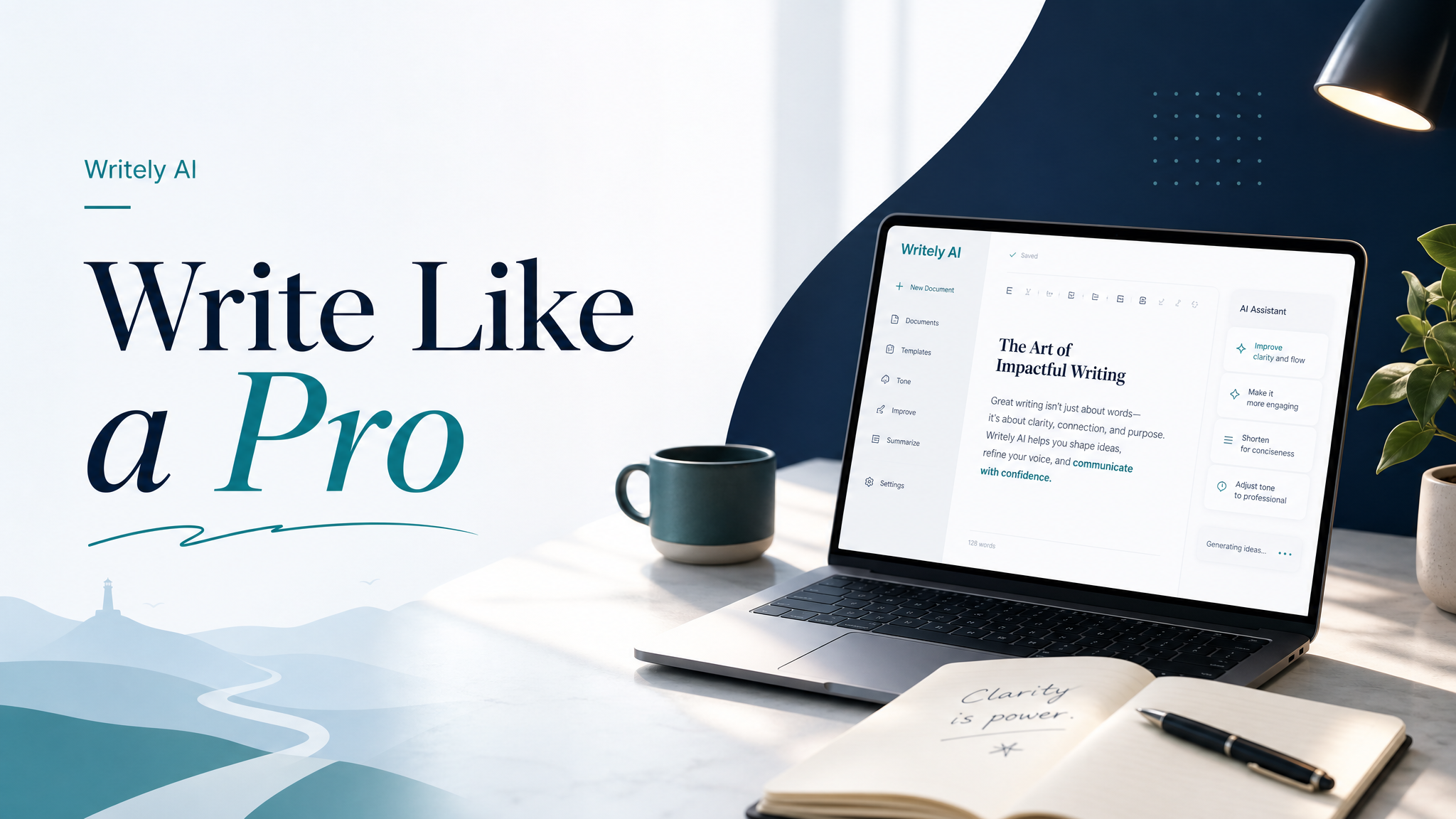
Comments
Leave a Comment