Let’s be real for a second: writing is supposed to be a creative outlet, but most of the time it feels like a chore. You have a solid idea, but by the time you wrestle it into a first draft, you’ve already lost the energy to make it sound good.
That’s where Writely comes in. It’s an AI writing assistant that actually gets the vibe — professional output without killing your creative flow. And yeah, I tested it for a week to see if it’s just another flashy tool or something you’d actually want in your workflow.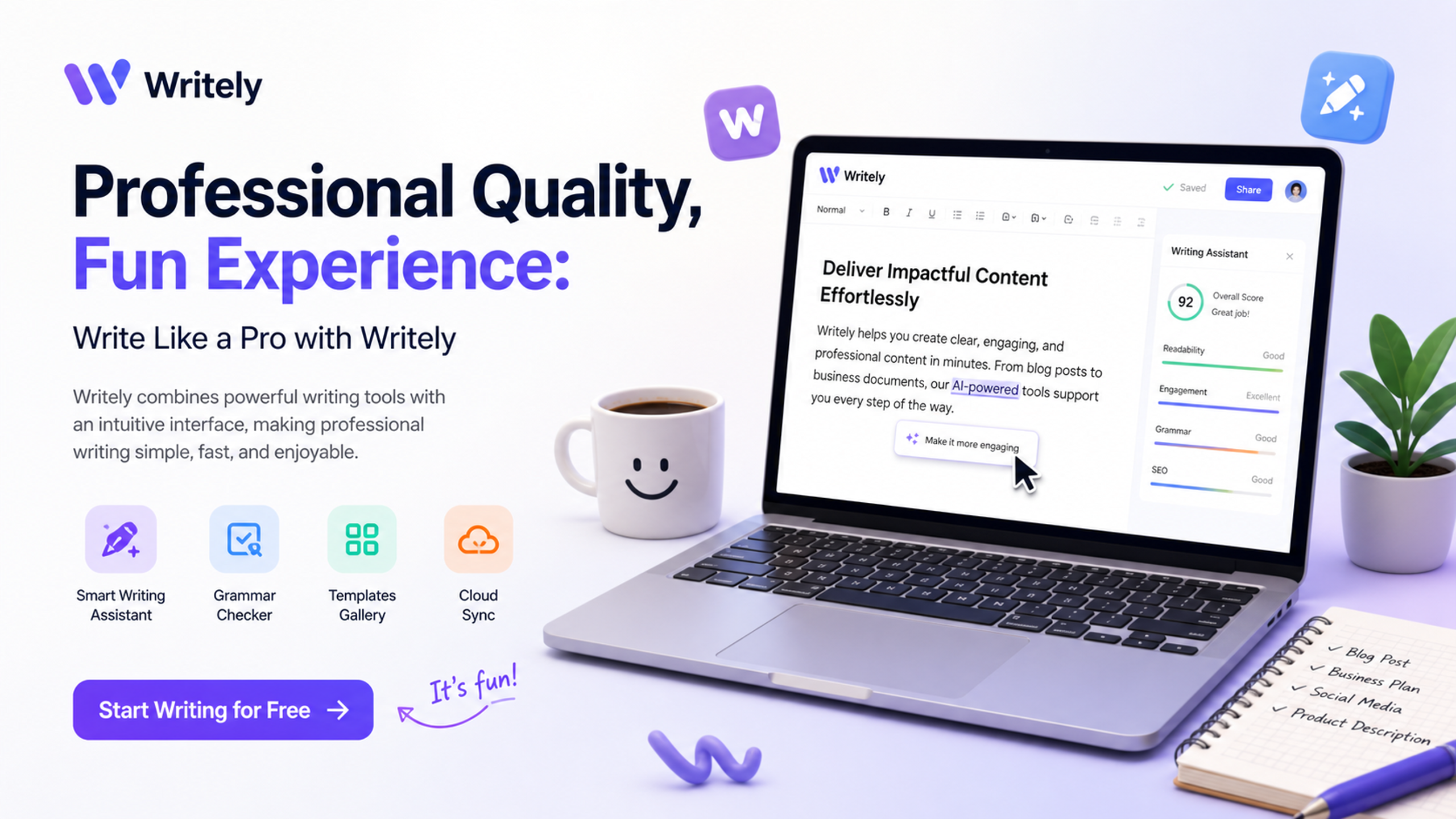
Why most AI writing tools feel off
I’ve tried a bunch of AI writers before. Most of them either sound like a robot trying to write a Wikipedia entry, or their “creative mode” is just fluff with no substance. The result? You spend more time fixing the tone than you saved on drafting. That’s useless.
Writely approaches it differently. It doesn’t try to be a magic "write everything for you" button — it acts more like a real editor who helps you shape raw ideas into structured drafts, without stripping your personality out of the text.
Three scenarios where Writely actually helped
1. Blogging without burnout
I write a weekly newsletter and a blog on the side. Coming up with opening hooks and clean transitions is draining. With Writely, I dropped in rough bullet points (like “talk about remote work loneliness” and “mention co-working stats”), and it turned them into readable paragraphs. Not perfect, but 70% of the way there — way faster than starting from scratch.
2. SEO content that doesn’t sound like SEO content
SEO content is usually a disaster zone for readability. Keyword stuffing, awkward phrasing, generic advice. Writely handles keyword integration better than most tools I’ve seen — it keeps the flow natural while hitting the necessary terms. I tested it for a product review draft, and the output had a conversational tone that didn’t scream “I wrote this for Google.”
3. Scriptwriting first drafts
If you’ve ever tried writing a video script, you know it’s a whole different beast. You need pacing, not just facts. I fed Writely a short concept for a YouTube video about productivity myths. It gave me a structured outline with suggested scene transitions. Again, not a final product — but a huge head start that saved me staring at a blank page for an hour.
The tradeoffs you should know about
Let’s be honest — no AI is perfect for every situation. I noticed Writely sometimes gets a bit wordy in longer drafts (like it wants to prove it can write), so you still need to trim and customize. If you don’t enjoy editing at all, this might not be your solution.
Also, it’s clearly built for writers who need structure, not for someone who wants a one-click publish button. If your biggest problem is grammar and spelling, a simple checker might be enough. Writely shines when you need to turn a messy idea into something usable quickly — especially for blogs and scripts. It’s less ideal for ultra-formal corporate writing where every sentence needs to be airtight from the start.
Who will actually enjoy this tool
In my opinion, Writely is best for:
- Freelance writers who juggle multiple topics and need fast outlines
- Content creators who write scripts or newsletters regularly
- Anyone who has a ton of ideas but gets stuck on the first draft
If you’re the type of person who likes to start from a blank page and figure it out as you go, you might not need it. But if you’ve ever wished for a smart assistant that organizes your thoughts without killing your creative spark, this is worth a try.
At the end of the day, Writely gives you professional quality output while keeping the writing process fun — or at least less painful. That’s a win in my book.
Comments
Leave a Comment