Let’s be real: writing can straight-up suck sometimes. You stare at a blank doc, the cursor blinks at you like it’s judging your life choices, and somehow ten minutes later you’re three tabs deep into a rabbit hole about why cats knock things off tables. Sound familiar?
That’s where the “pro tip” part kicks in. I’ve been testing Writely AI for a few weeks, and honestly, it’s the first writing tool that didn’t make me feel like I’m fighting a robot. It actually turns the grind into something… fun? Let me explain.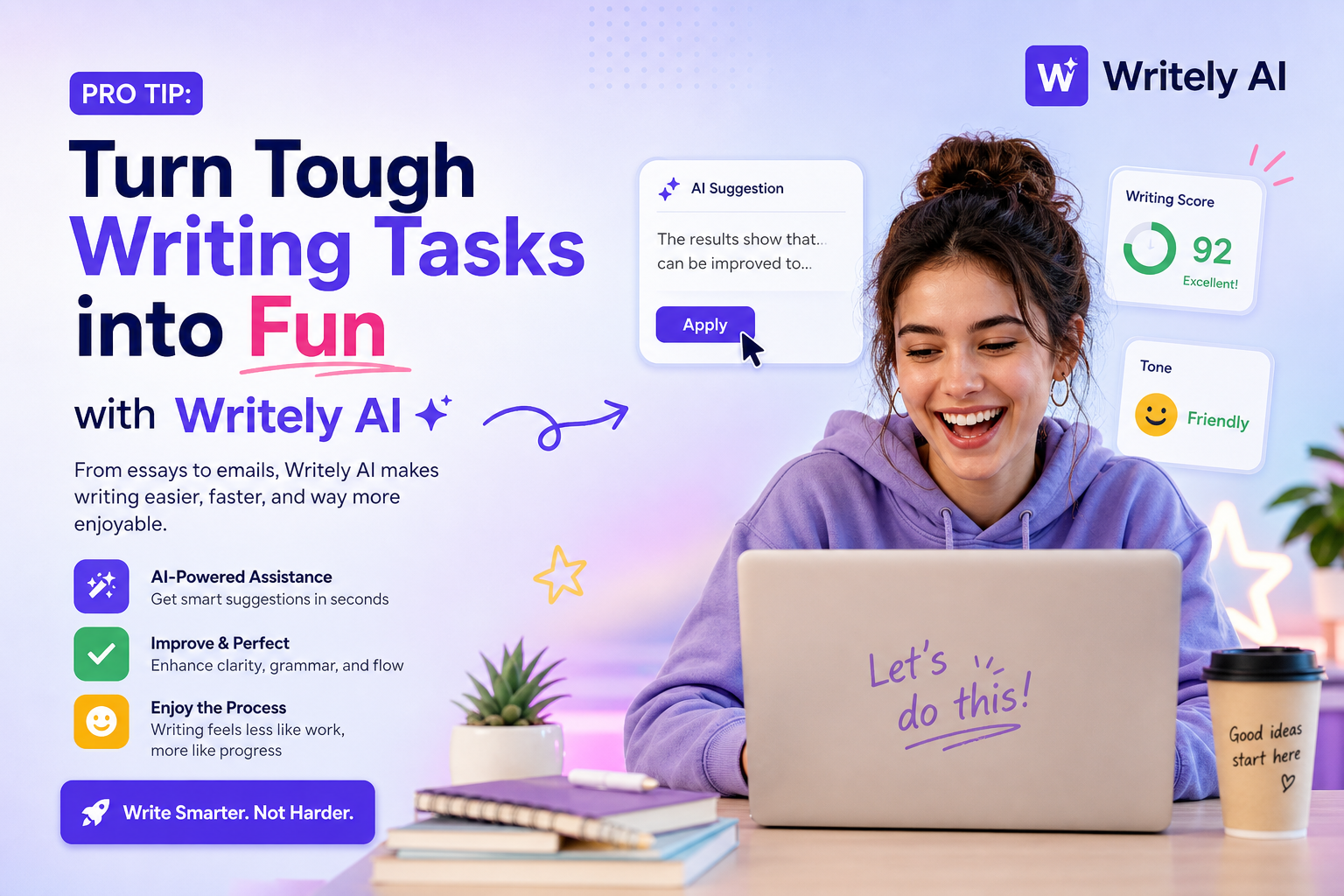
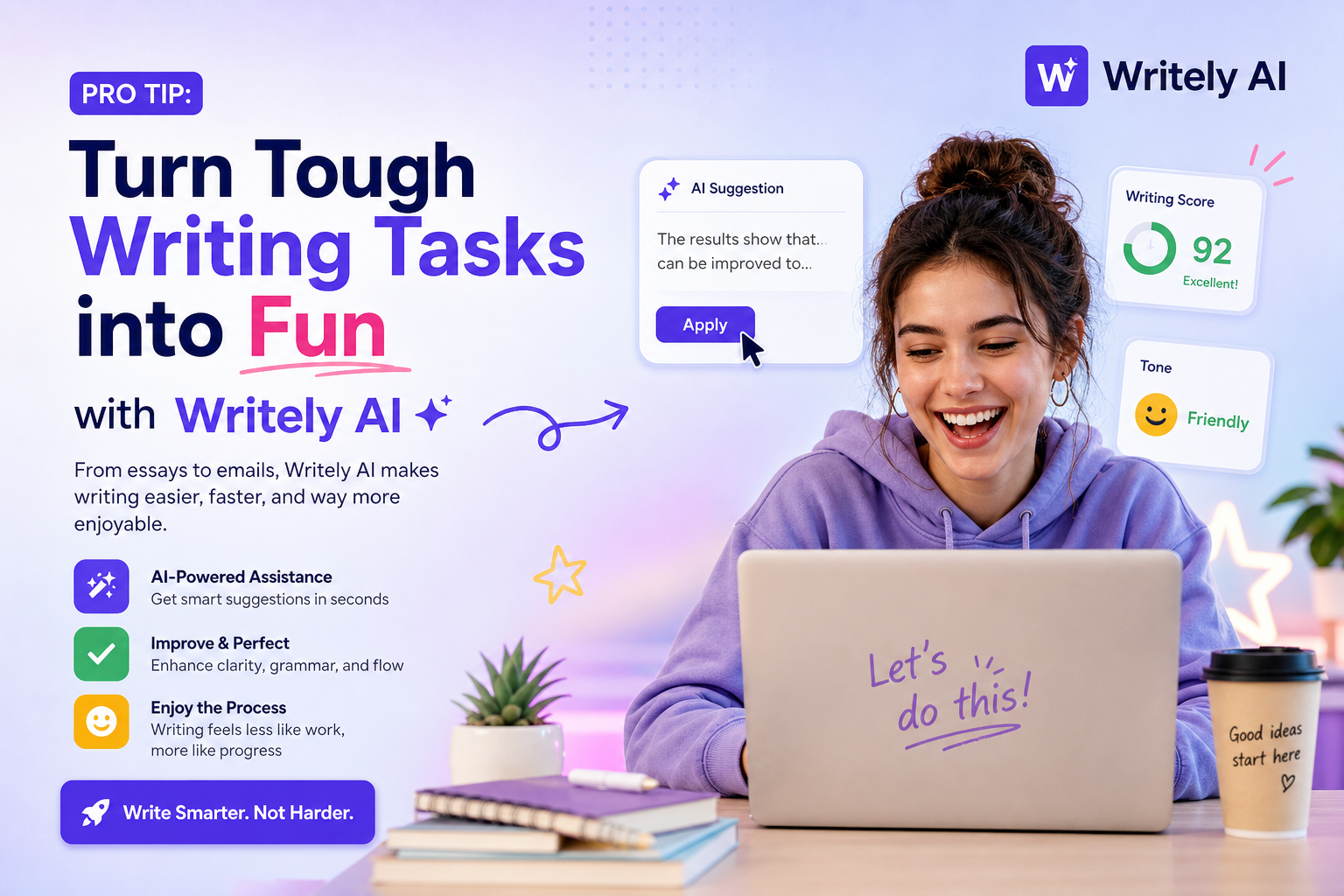
So what’s the actual trick?
The whole “turn tough writing into fun” thing isn’t just a tagline. Writely does this thing where it doesn’t try to replace you — it works with your messy brain. Got a rough concept that’s basically three bullet points and a meme reference? Throw it in. It’ll turn that chaos into real sentences, and then you just tweak the vibe.
I’ve been using it for blog posts and short scripts, and the flow feels more like playing with a co-writer who gets your humor than wrestling with a grammar robot. You can literally write “make this sound like a tired 25-year-old explaining blockchain to their mom” and it… actually does that. Kinda wild.
Real scenarios where it saved my sanity
1. The “I have zero inspiration but a deadline” crisis
This one’s classic. You stare at the page, nothing comes. With Writely, I just dropped a sentence like “why AI actually doesn’t hate creatives” and it expanded into a whole draft with subheadings and examples. Did I keep all of it? No. But it gave me a starting point that didn’t feel forced. I ended up rewriting half of it, but the grind part was gone.
2. Turning boring SEO content into something people actually read
SEO writing is the worst. You have to hit keywords, keep it readable, and still not sound like a Wikipedia entry after three cups of coffee. Writely handles the keyword placement without making it sound stuffed. I tested it for a “best wireless earbuds” piece, and it naturally wove in the terms while keeping a conversational tone. Plus I could switch the tone from “professional” to “chatty” with one click — feels like cheating.
3. Scripts that don’t sound like a corporate training video
I do some small YouTube scripting, and Writely’s “script” mode is legit. You give it a topic and a vibe (say “casual, slightly sarcastic”), and it writes dialogue that actually flows for speaking. I used it to draft a review script, and the pacing was good enough that I only had to cut one paragraph and add my own jokes.
But let’s talk tradeoffs — it’s not magic
Look, I’m not gonna pretend this thing writes your whole project in two seconds and gives you a Pulitzer. Here’s the honest reality:
- It sometimes over-explains. If you give it a short idea, it might add fluff you don’t want. You have to be ready to edit down. That’s expected, but worth mentioning.
- The “fun” depends on your personality. If you prefer totally structured, rigid outlines, the playful tone might feel loose. You can dial it back, but it took me a few tries to find the right settings.
- Not great for super technical or niche topics — I tested it on a piece about GPU architecture, and it got the basics right but missed deeper details. Fine for overviews, not for expert-level white papers.
Also, it’s subscription-based. If you’re only writing once a month, a free tool might be fine. But if writing is part of your routine? The time you save is worth the cost.
Should you try it?
If you’re tired of writing feeling like a chore, and you want something that actually helps instead of just auto-completing your sentences like a bored intern, give Writely a go. The pro tip is real: treat it like your brainstorming buddy, not a replacement. You’ll get drafts faster, laugh at some of its suggested phrases, and end up with writing that still sounds like you — just less stressed.
Comments
Leave a Comment