You sit down to write a blog post. You have a headline in mind, maybe a rough angle. And then—nothing. The cursor blinks. You start a sentence, delete it, start again, delete harder. Thirty minutes pass. All you've produced is a paragraph that reads like the instruction manual for a toaster.
This is the exact problem Writely is built to solve. Not as a “generate my entire article for me” black box, but as a writing partner that helps you stay in the flow without losing your voice.
What makes Writely different from just firing up ChatGPT?
Plenty of tools can write for you. The issue is that most of them leave you with text that feels generic, hollow, and in need of heavy editing. Writely approaches it from the blogger’s side—it’s designed for drafting faster and organizing ideas, not replacing your thinking.
Here’s a realistic scenario. I wanted to write a post about productivity for freelancers. I had three bullet points and a vague sense of where it should go. Instead of staring at a blank page, I dropped those points into Writely. Within a few seconds, it gave me a structured outline with suggested subheadings and a couple of hook openings. I didn’t use any of them verbatim—but I didn't need to. What I got was a roadmap. I could immediately start writing, because the cognitive load of “where do I begin?” was gone.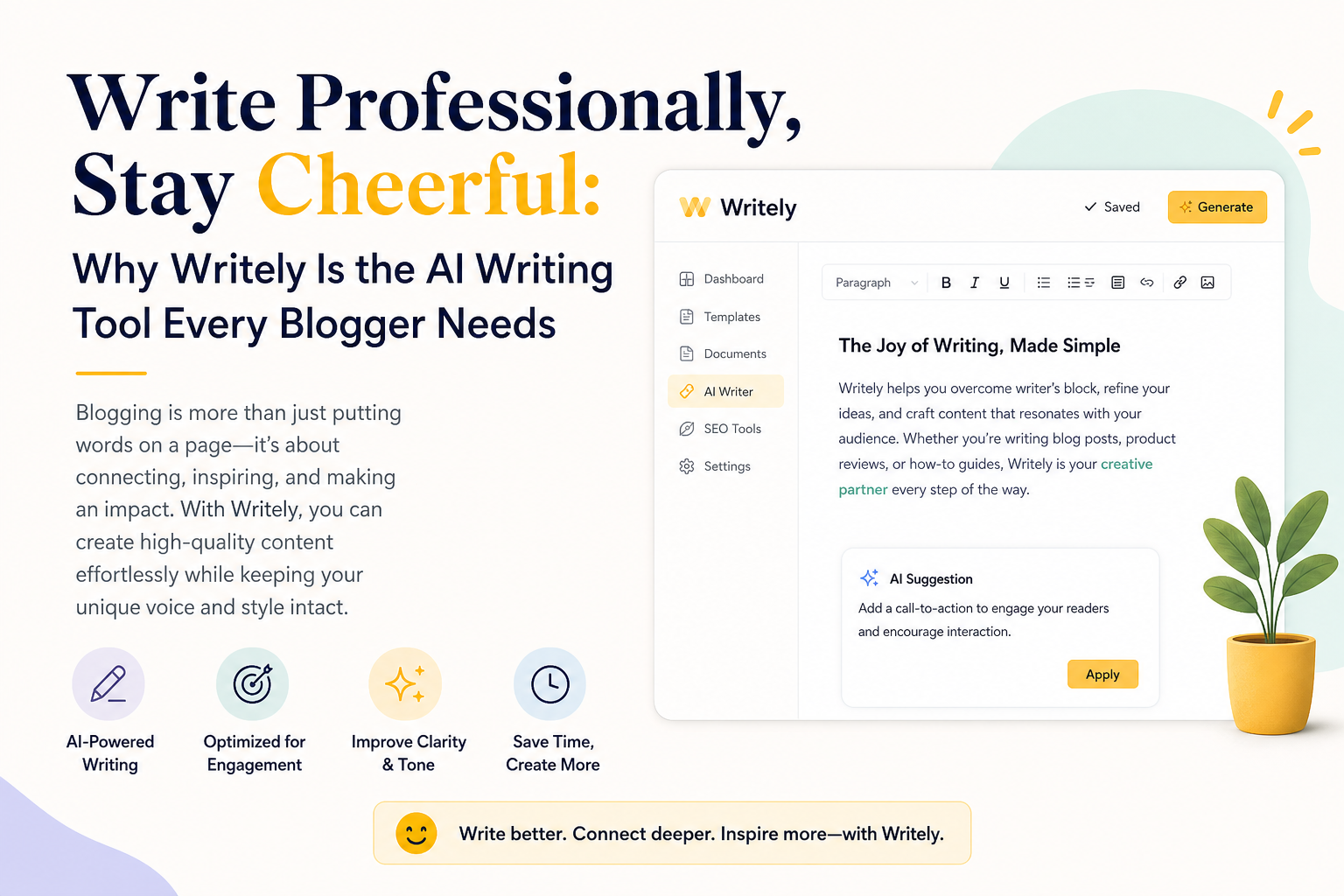
Specific features that actually help bloggers
The “organize ideas” mode is one of those things that sounds boring until you use it. If you have a messy brain dump—bullet points, snippets, half-thoughts—you can feed them in and get back a cleaned-up hierarchy of topics. It doesn’t invent fluff; it just surfaces what you already have and puts it in a logical order.
Another practical one is script-length drafting. If you ever repurpose a blog post into a YouTube script or a podcast outline, Writely handles the tone shift pretty well. I tested it by taking a somewhat formal tech article and asking it to rewrite for a conversational vlog style. The output kept the facts straight but loosened up the vocabulary. It wasn't perfect—I still had to tweak a few transitions—but it saved me at least two editing passes.
For SEO content, it includes keyword integration suggestions that don't feel spammy. It won't jam a phrase into every paragraph. Instead, it flags where a primary keyword could fit naturally and where a secondary keyword might add value. That’s useful if you’re trying to rank without making your writing read like robot pablum.
The tradeoff: Writely is not a research assistant
It’s important to be honest about what this tool isn't. Writely is not going to pull statistics, cite sources, or fact-check for you. If you need a detailed analysis of a scientific study or you're writing a deeply researched piece, you'll still need to do your own digging elsewhere. Writely is for writing—not research.
Also, the output quality depends heavily on the quality of your input prompts. If you give it vague instructions, you'll get vague results. That’s actually a good thing: it forces you to clarify your own thinking before leaning on the AI. But it does mean there's a learning curve if you’re expecting magic on the first try.
Who benefits most from this tool?
From my experience, the sweet spot is the solo blogger or the small content team. If you publish regularly—even just once a week—and you find yourself spending more time arranging thoughts than writing them, Writely will cut that arrangement time significantly. It's less useful if you're a huge editorial team with a dedicated research division. For one-person operations, the value is clear.
Consider this concrete tradeoff: the tool costs money, but it replaces the need for a separate outlining app, a notes organizer, and a grammar checker (it includes editing suggestions as well). Is it cheaper than those three combined? Usually yes. But if you're already comfortable with your existing stack and you write fast naturally, you might not need it.
Final take: cheerful without being fake
What keeps me coming back to Writely is that it doesn’t try to “sound like an AI.” It doesn’t polish everything into corporate mediocrity. The tone stays grounded in whatever you feed it. For bloggers who value their own voice but hate the mechanical grinding of getting from idea to finished piece, this tool hits the right balance between convenience and authenticity. It won't write the whole thing for you—which is exactly the point. It lets you stay in charge, stay cheerful, and actually finish your posts.
Comments
Leave a Comment