You know that feeling when you stare at a blank Google Doc for 20 minutes, then somehow end up scrolling TikTok? Yeah, me too. Drafting used to feel like pulling teeth—open a doc, write three sentences, delete two, rewrite one, then give up and order takeout. That workflow worked in 1999 when you had all week to write one blog post. Now? Your audience expects fresh content daily, and your editor wants it yesterday.
That’s where Stop Drafting Like It's 1999: Writely Serves Up Pro Writing in Seconds actually clicks. Writely isn’t another “AI will replace your job” hype machine. It’s a writing assistant that cuts the friction between “I have an idea” and “I have a draft.” No more staring at the cursor. You throw in a rough concept—a sentence, a bullet list, even voice notes—and it helps you shape it into something publishable.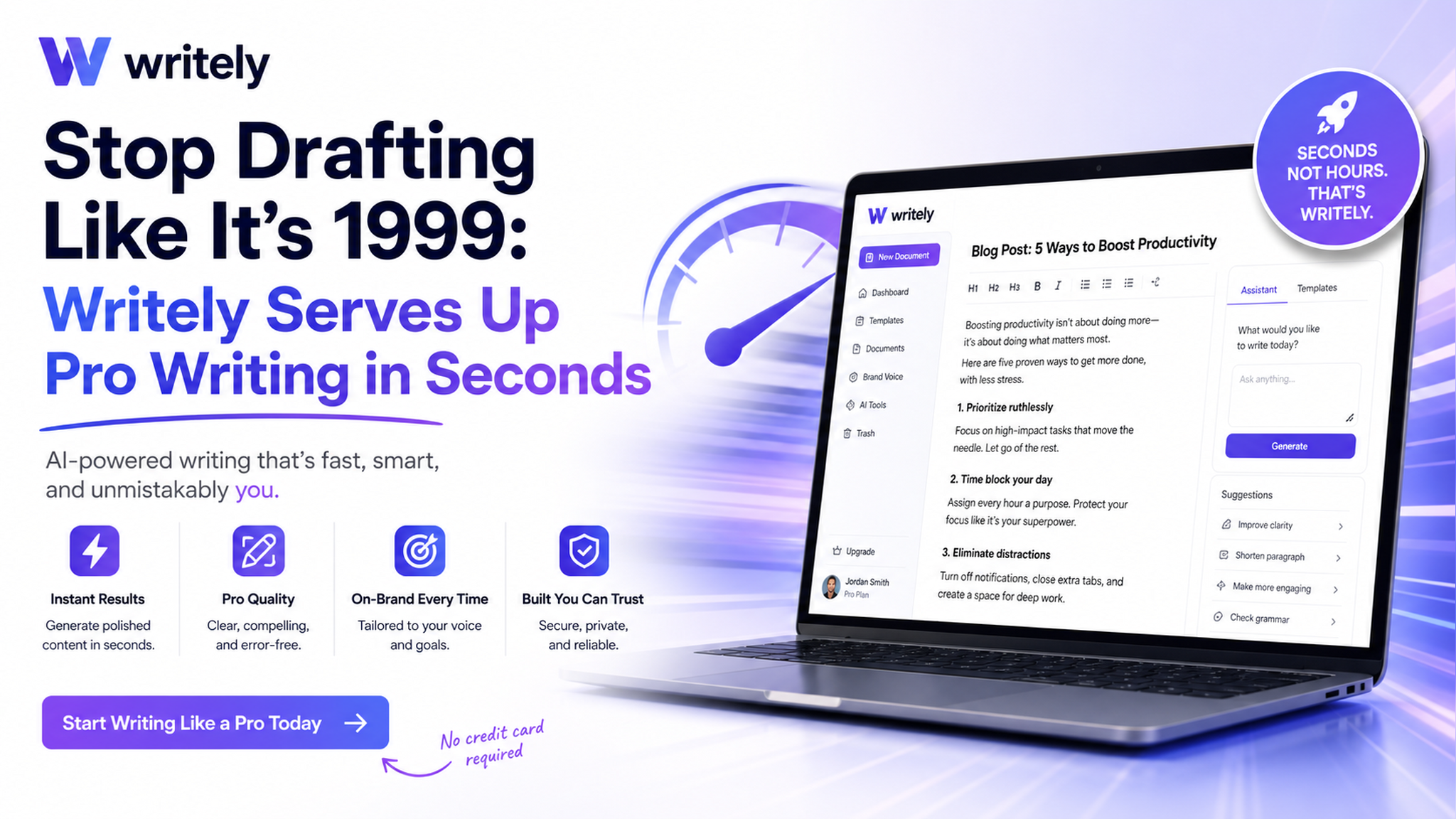
Three ways I actually use Writely (and you will too)
1. Turning a messy brain dump into a structured blog post
Monday morning, I had three half-baked ideas for a tech roundup. Instead of forcing myself to write an intro, I typed: “talk about the new iPhone case, AirPods battery issue, and that weird USB-C drama” into Writely. It took that mess and organized it into a coherent outline with section headers. I filled in the details, tweaked the tone, and had a publishable draft in 15 minutes. Without Writely, that would’ve been an hour of frustration.
2. Writing SEO content without sounding like a robot
SEO writing is a special kind of pain. You need keywords in there, but you also want it to read naturally. Writely handles the keyword placement stuff quietly—no keyword-stuffed sentences. I used it for a client’s “best budget wireless earbuds” article. It suggested relevant subheadings and naturally integrated “wireless earbuds under $50” without making me sound like a spam bot. The client didn’t notice AI involvement, which is exactly the point.
3. Drafting scripts for short-form videos
I run a small YouTube channel and scripting used to be my least favorite part. Writely’s script mode is surprisingly decent. I give it a topic like “why you shouldn’t charge your phone overnight” and it spits out a conversational script with hooks and call-to-actions. It’s not perfect—sometimes the jokes are cringe—but it saves me from staring at a blank page. I just edit the parts that feel off and record.
Real talk: where Writely falls short
Let’s not pretend it’s magic. Writely is great for first drafts, outlines, and breaking through writer’s block. But if you need deeply personal essays, poetic prose, or highly technical industry analysis, it will miss the mark. It’s trained on internet content, so it tends to default to a safe, slightly generic tone. If you’re writing something that needs your unique voice—like a personal story or a controversial opinion—you’ll still need to rewrite heavily. Also, the generated text sometimes repeats itself if you ask for too many iterations. Keep your prompts specific or you’ll get fluff.
Another thing: Writely works best when you already know what you want to say. It’s not a topic generator. If you have zero clue what to write about, you’re better off using a separate brainstorming tool first. Writely assumes you have a direction—it’s an accelerator, not a compass.
Who should give Writely a try?
- Freelance bloggers who have to crank out multiple articles per week
- Content managers who need SEO-friendly drafts fast
- Small business owners writing their own website copy
- Anyone who hates starting from scratch more than they hate editing
If you fall into any of those buckets, Stop Drafting Like It's 1999: Writely Serves Up Pro Writing in Seconds is worth testing. It won’t make you Shakespeare, but it will save you from burning an hour on an intro paragraph. That’s a win in my book.
Comments
Leave a Comment